WX StudioWX Studio

Products

From desktop to pocket, one result

On the computer, use the desktop app on its own or inside CorelDRAW / Illustrator — setup detects what's installed, and one license unlocks them all. On phones and tablets, WX Studio App cuts over Bluetooth, with activation keys bound to your WX account.

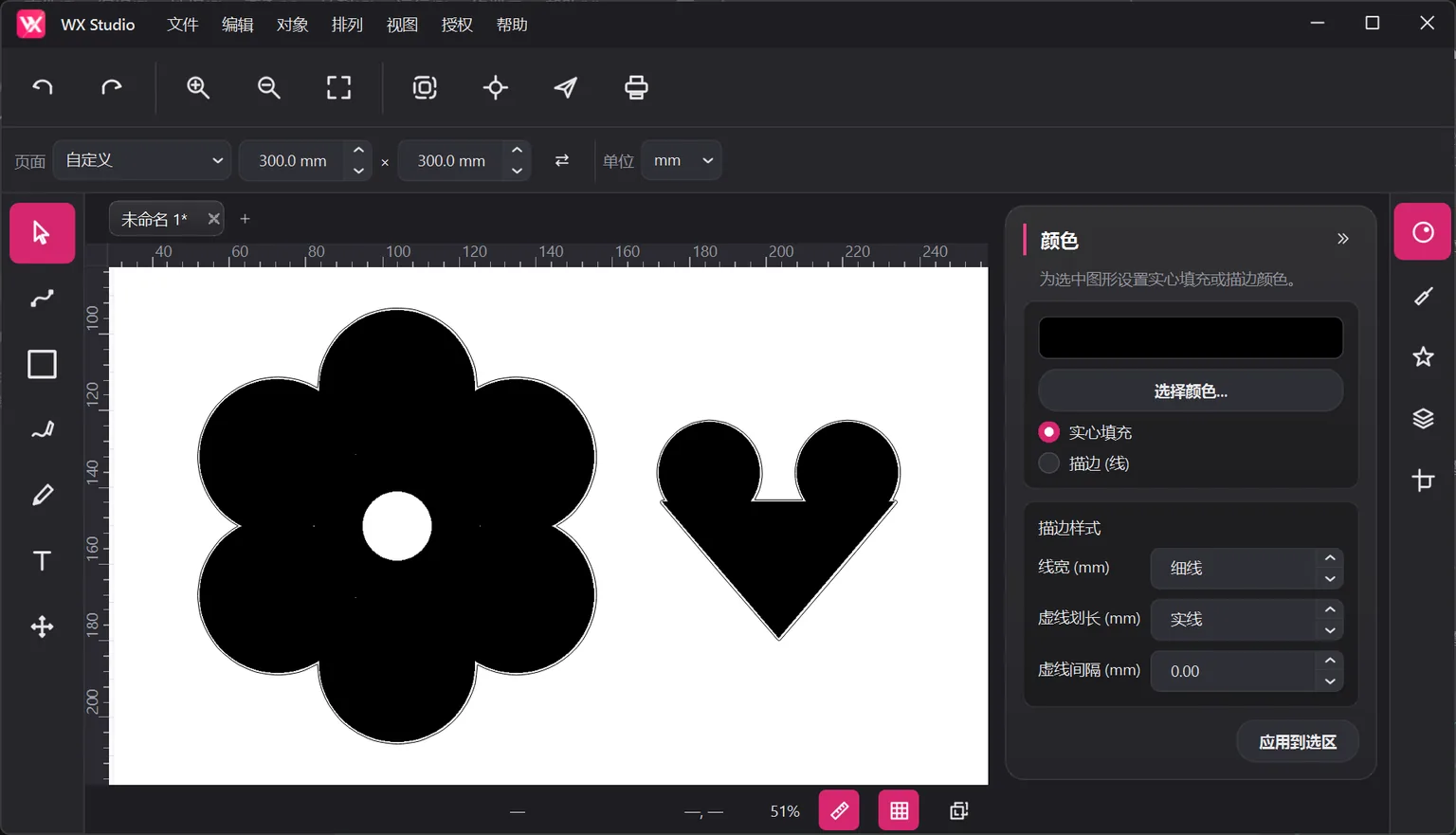
WX Studio desktop: contour result after bitmap tracing (dark theme)
Windows / macOS

WX Studio Desktop

The complete design & cutting app — canvas, tools, and output all in one, no other software required.

  • Complete path, text, and shape editing with multi-tab documents
  • The same cutting engine as both plugins — identical contours and output
  • Runs on Windows 10 / 11 (64-bit); macOS version in preparation
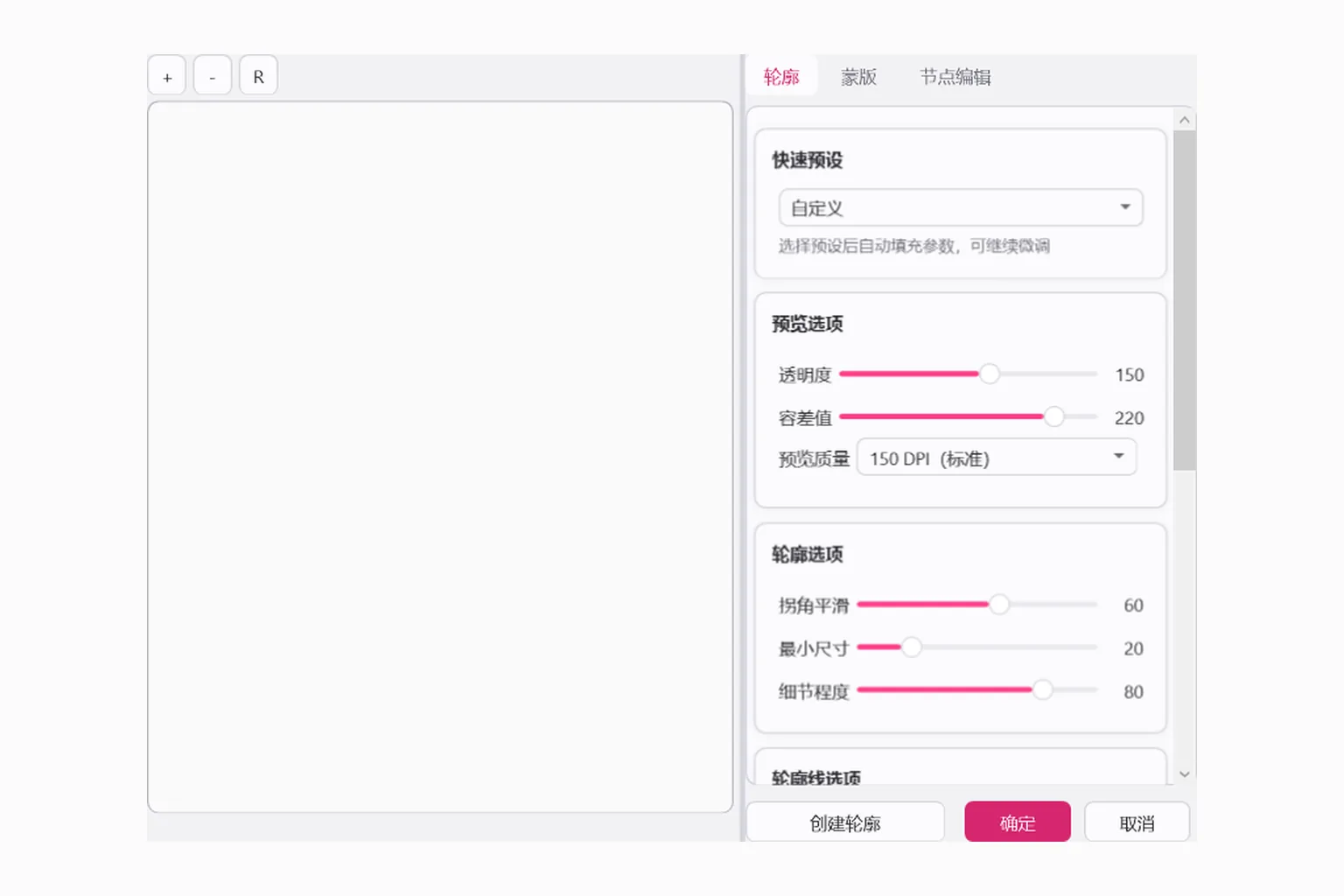
CorelDRAW docker: contour parameters and presets
CorelDRAW X7–2024

CorelDRAW Plugin

A docked panel that blends into your CorelDRAW workspace, supporting X7 through 2024.

  • Docked panel form that preserves your CorelDRAW habits
  • Supports CorelDRAW X7 through 2024
  • Installed versions are detected and set up during setup
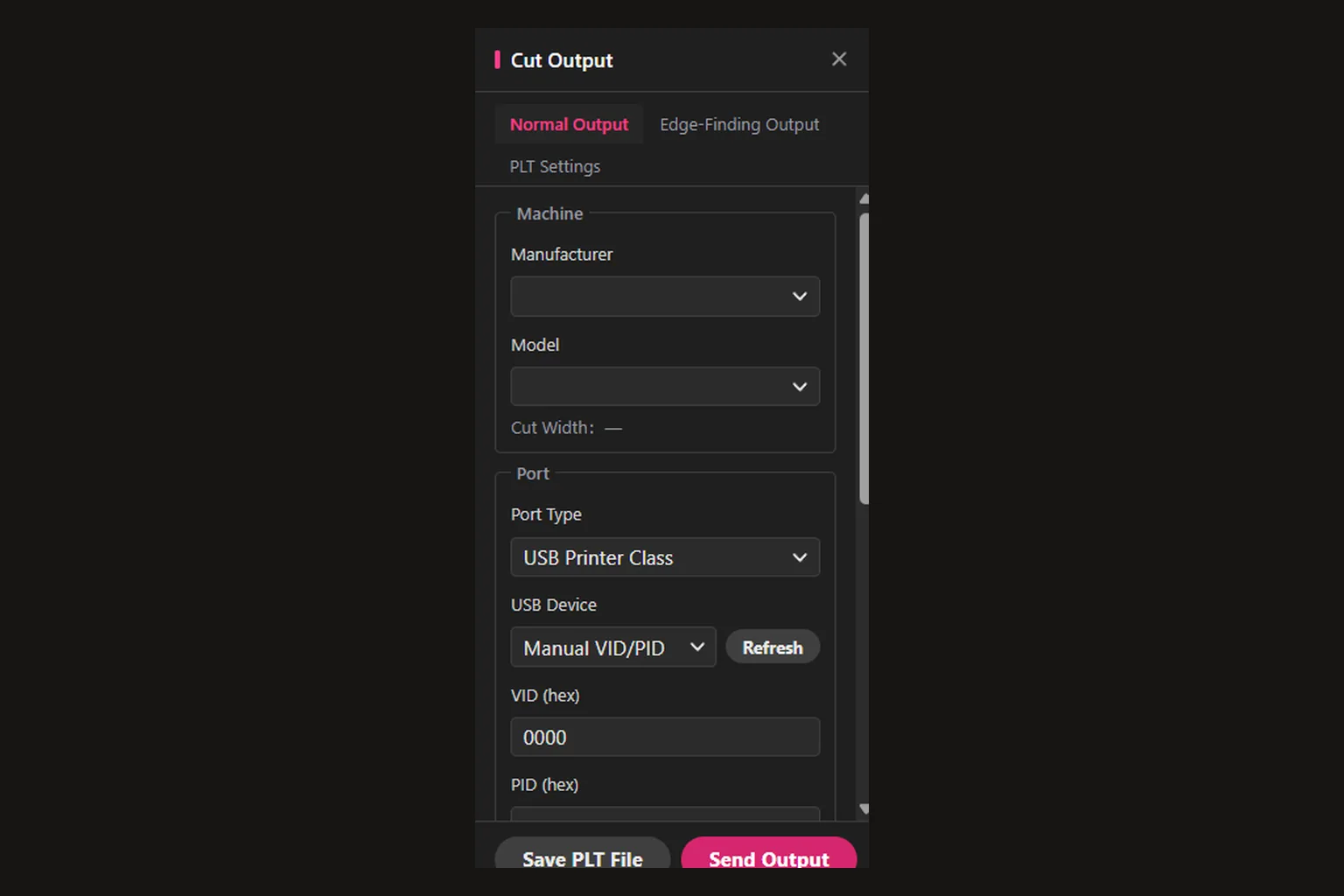
Illustrator panel: cut output and port settings
Adobe Illustrator

Illustrator Plugin

Natively integrated with Adobe Illustrator — contours, marks, and cutting output right in your workspace.

  • Smooth, reliable native integration with a simple panel
  • Deeply integrated into the Adobe Illustrator workspace
  • One license shared with the desktop app and the CorelDRAW plugin
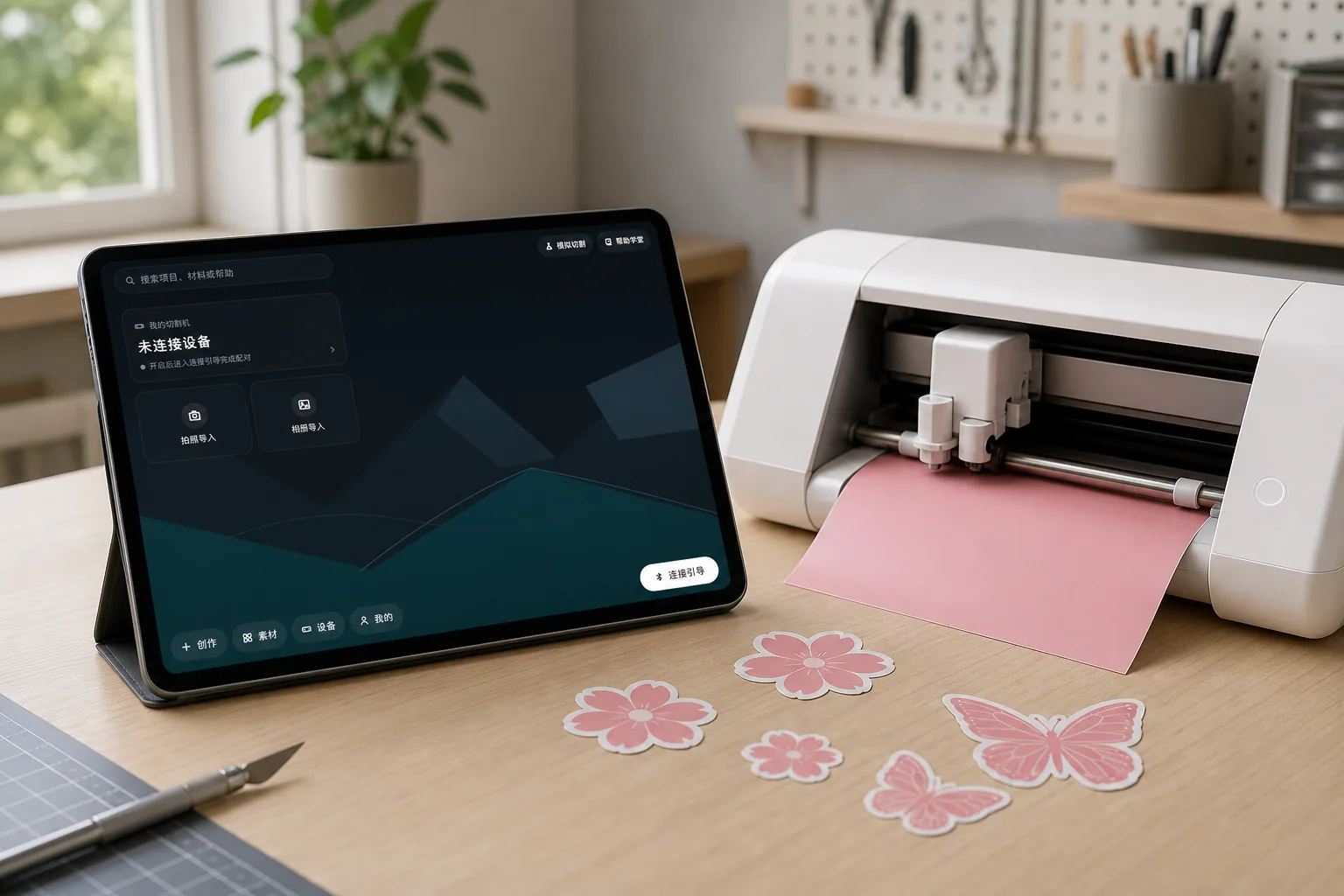
A tablet in landscape mode running WX Studio App on a workbench, next to a vinyl cutter cutting stickers
Android phones / tablets

WX Studio App

A cutting studio in your pocket — from idea to finished piece, entirely on your phone or tablet.

  • Canvas design, photo tracing, freehand drawing and cloud clipart — a complete mobile toolkit
  • Cuts over Bluetooth on WX devices, with a five-step wizard from placement to unloading
  • Runs on Android 8.0+ phones and tablets; iOS version in preparation
Go to the App page

One package, everything included

Setup detects the design software on your PC; pick the desktop app and plugins you need, and one activation covers them all. An activation key is required to use the software — reach us via the contact info in the footer to purchase one.

Go to Download