
WX Studio App: a cutting studio in your pocket
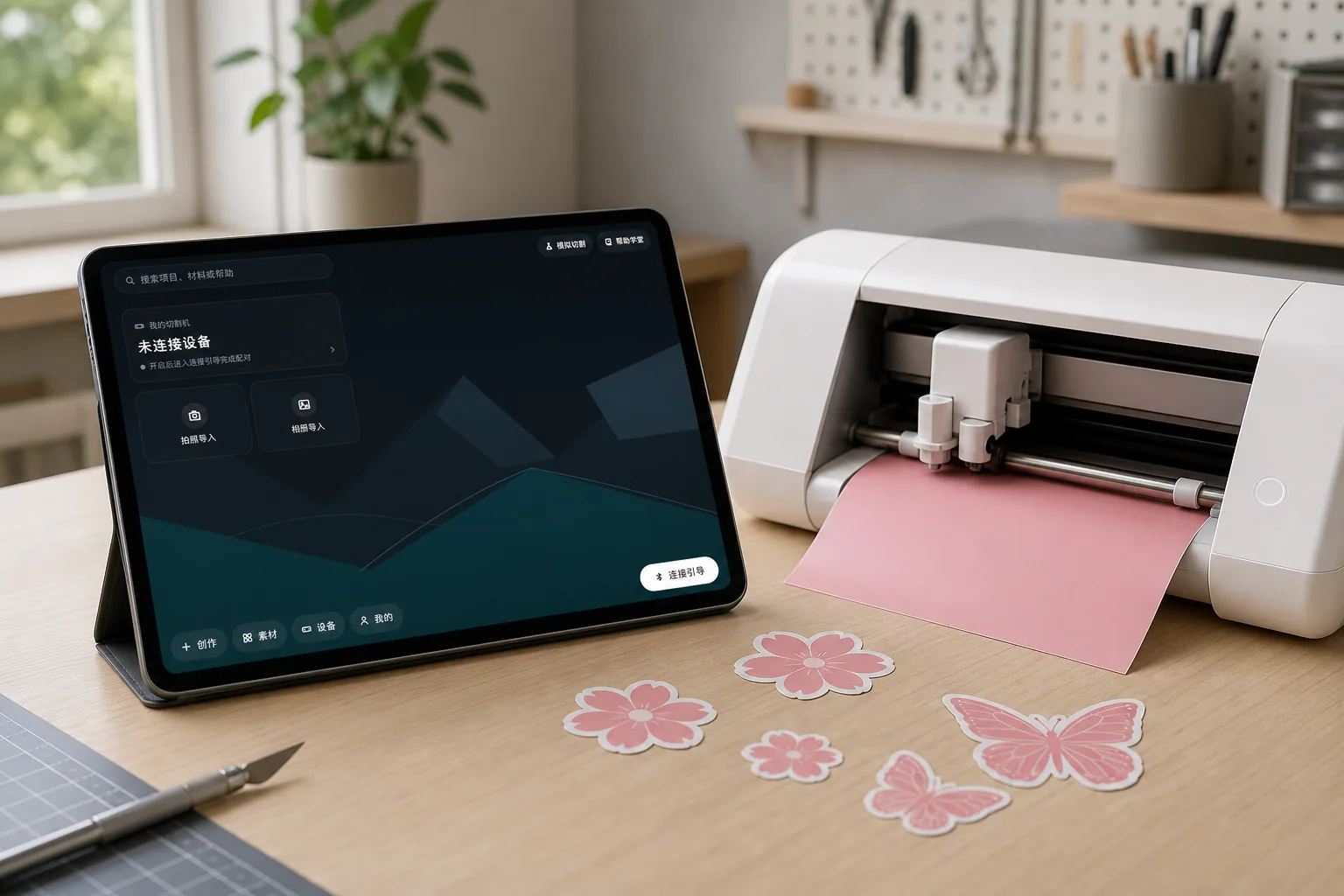
Design and cut entirely from your phone or tablet: canvas design, photo tracing and freehand drawing, with Bluetooth output straight to your cutter. No computer needed.
Loading release info…
Software releases & platforms
Matches the current public stable release. Choose a package for your operating system and device architecture.
Loading release info…
iOS version is in preparation. Stay tuned.
A full design studio on your phone
Not a remote control for the desktop. It is a complete mobile creation toolkit that takes you from idea to finished piece, away from the computer.
Canvas design
Shapes, text, layers, alignment snapping, undo and redo: full vector design tools, redesigned for touch and landscape.
Cut over Bluetooth
Connect your cutter over Bluetooth and follow the five-step wizard from placement to unloading. Guided pairing and a practice mode make the first run easy.
Photo tracing
Snap a sketch or pattern and get a cut-ready outline automatically, from paper idea to sticker in minutes.
Freehand drawing
Five brushes (mono line, pen, pencil, marker and airbrush) with pressure support. Draw with your finger or stylus, then cut what you drew.
Cloud clipart
A growing online library offers cut-ready designs and printable color stickers. Downloaded materials are available offline while their local cache remains on the device.
Project library
Your work is saved on the device. Browse thumbnails, duplicate and organize, and pick up right where you left off.
Get started in three steps
Download & install
Download the APK in your phone browser and allow the installation when prompted.
Connect your cutter
Open the app and follow the connection guide: grant Bluetooth permission and pick your cutter. No device yet? Try the practice mode.
Start creating
Start a new project, trace a photo, draw freehand or pick a clipart design, then run the cutting wizard to bring it to life.
System requirements
- Operating system
- Android 8.0 or later (64-bit); iOS version in preparation
- Device connection
- Bluetooth 4.0 or later, for WX cutting devices
- Camera (optional)
- Photo import and tracing use the camera; permission can be granted when first used
- Screen
- Works on phones and tablets in landscape; larger tablets offer the best experience
FAQ
Is it free?
The app is free to download; an activation license is required for regular use, and activation keys are bound to your WX account. To purchase a key, reach us via the contact info in the footer.
My phone warns about "unknown sources" during installation. What should I do?
The app is distributed directly from our website rather than an app store. Allow installs from this source when prompted; every APK ships with a SHA-256 checksum you can verify on this page.
Is there an iOS version?
The iOS version is in preparation and will be available on this page as soon as it ships.
Which cutters are supported?
WX cutting devices with Bluetooth. The app also includes a practice mode, so you can experience the full design and cutting flow without a machine.
How do I update the app later?
The app checks for new versions on launch and lets you know. You can also check manually under Settings → About → Check for updates, or come back to this page anytime.
How does it relate to WX Studio for desktop?
Same family: the desktop edition is built for professional layout and batch production at your computer, while the app is built for creating anywhere. Both connect directly to WX cutting devices.