
Contour generation & bitmap tracing
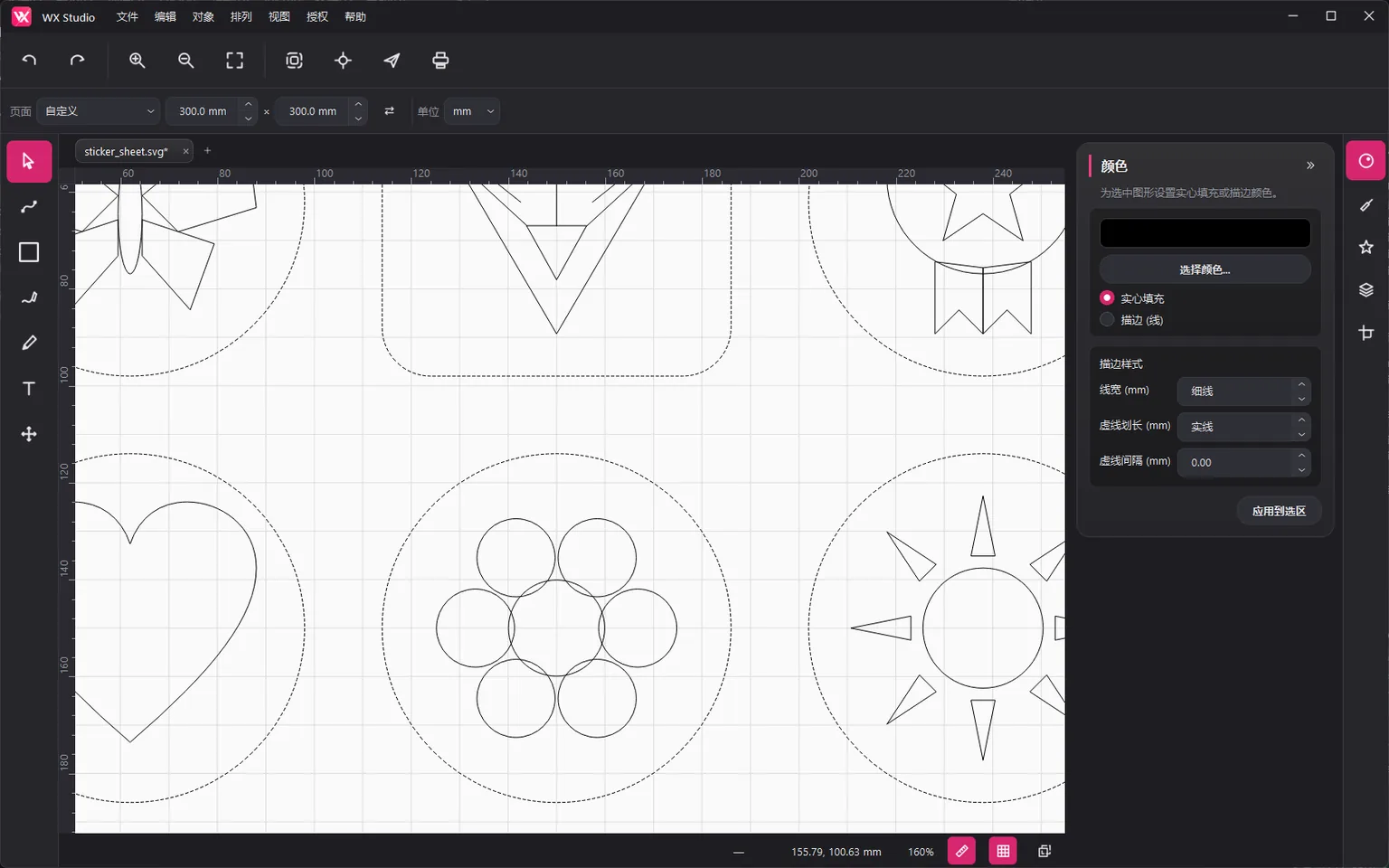
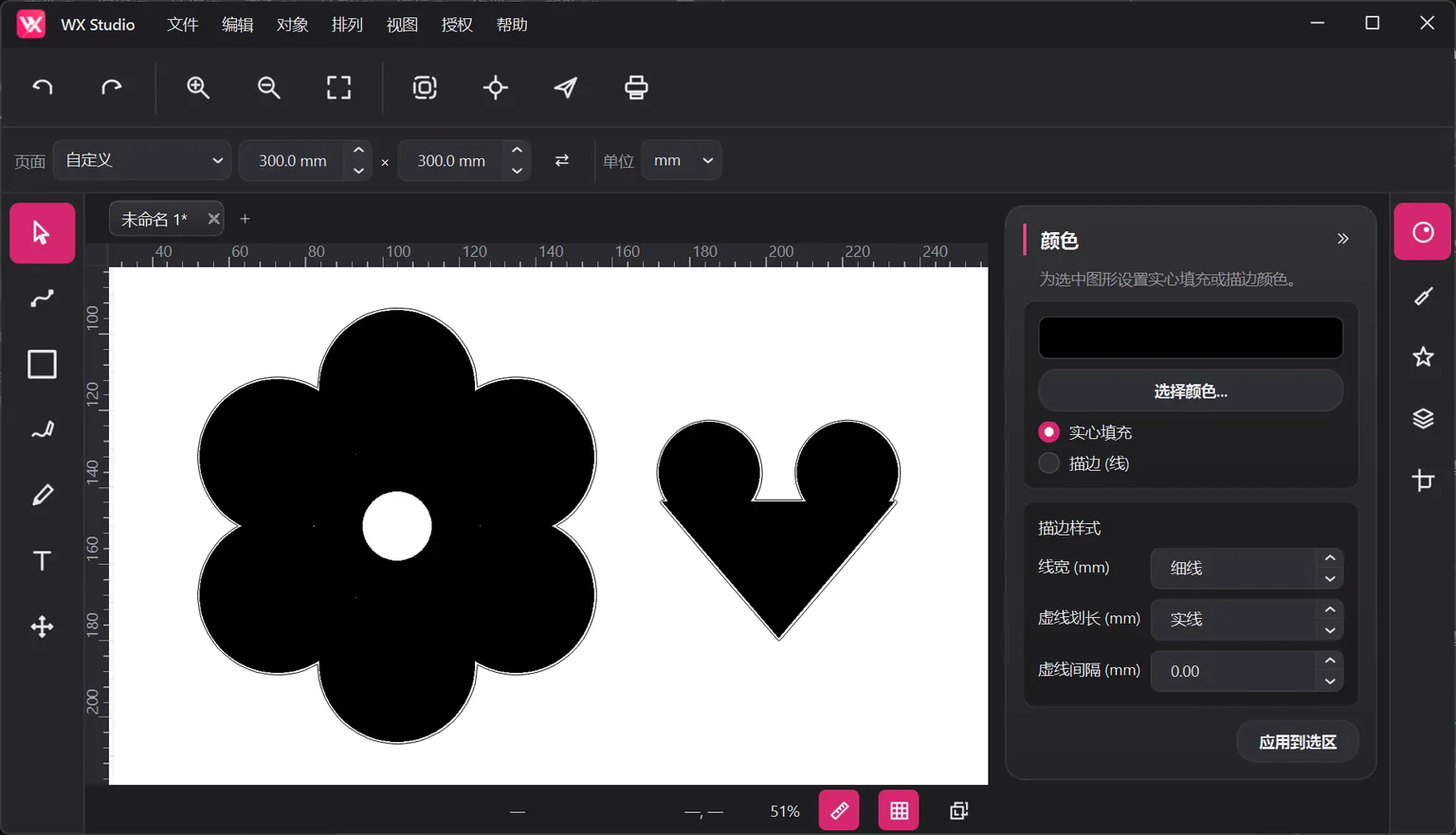
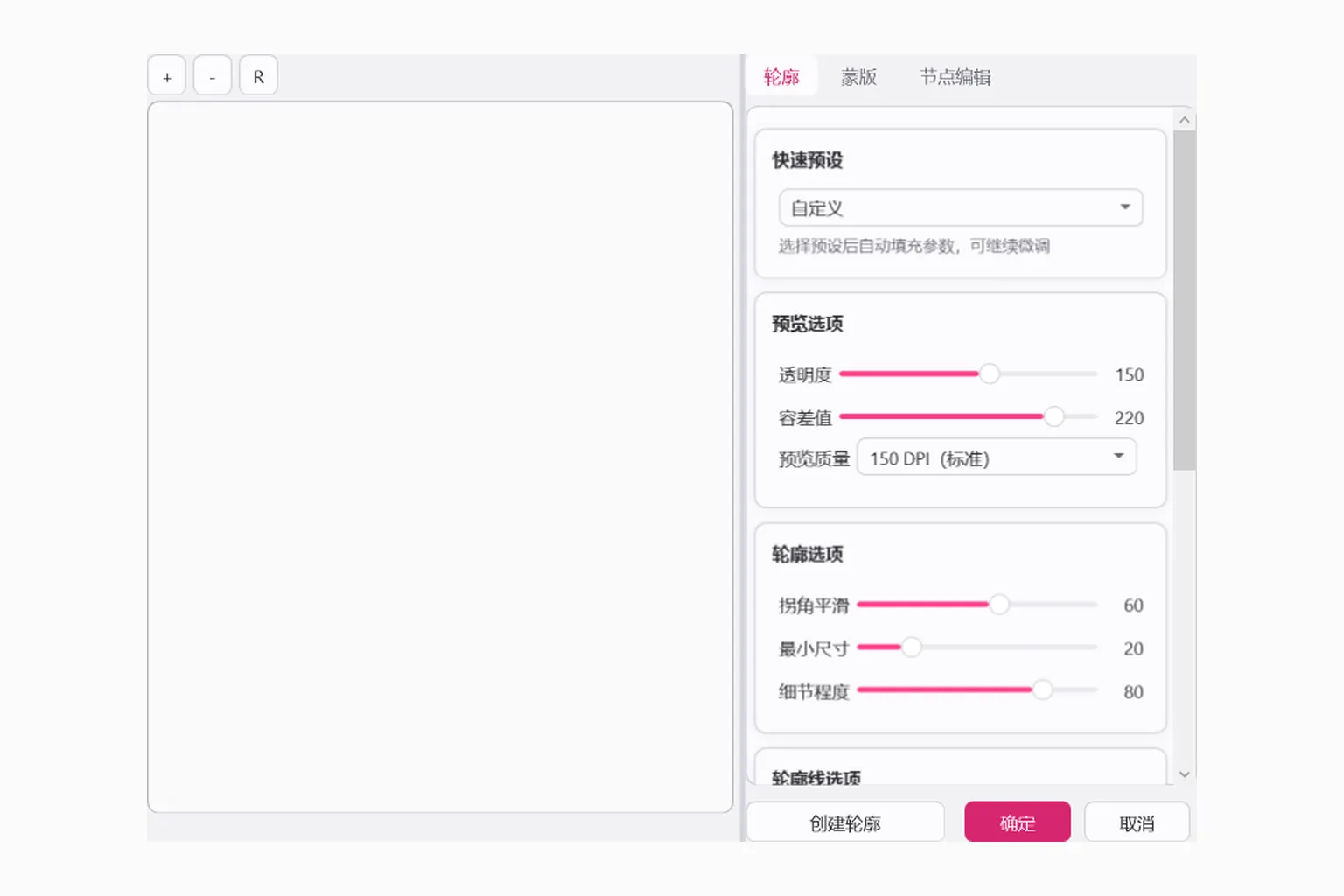
A unified contour workflow for vectors and bitmaps: binarized tracing, polygon offset, hollowing, and one-click presets. The pink dashed line is the path the blade takes.






Design, and leave the rest to WX Studio. The desktop app and CorelDRAW and Illustrator plugins share a cutting engine; use the app to design and cut on phones and tablets.
Windows 10 / 11 (64-bit) · Android 8.0+ phones / tablets · macOS & iOS in preparation

Graphic editing, contour generation, and device output, all in a single suite.
A unified contour workflow for vectors and bitmaps: binarized tracing, polygon offset, hollowing, and one-click presets. The pink dashed line is the path the blade takes.
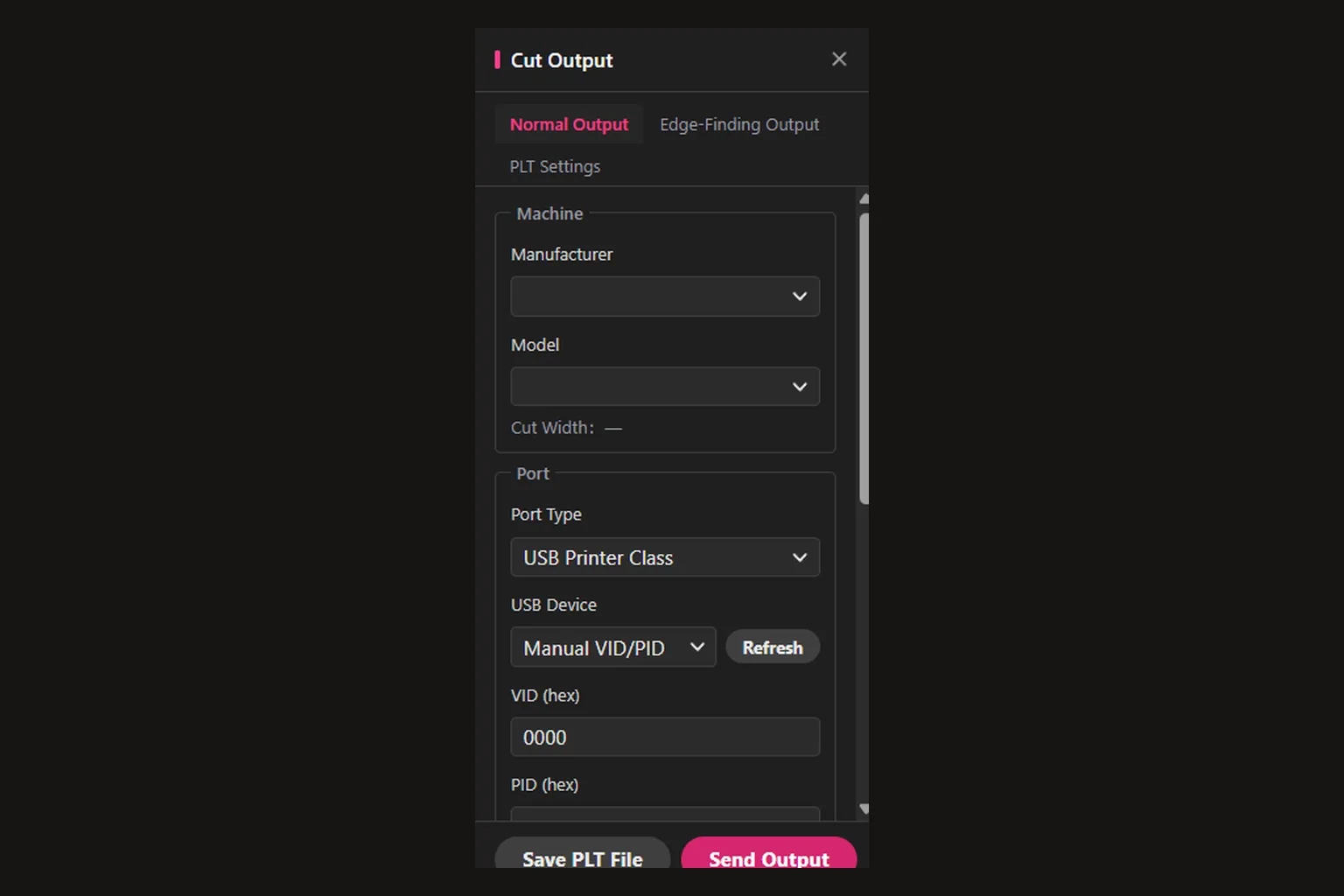
Generates HPGL commands for cutting plotters, with serial and TCP direct output plus edge-seeking mode.
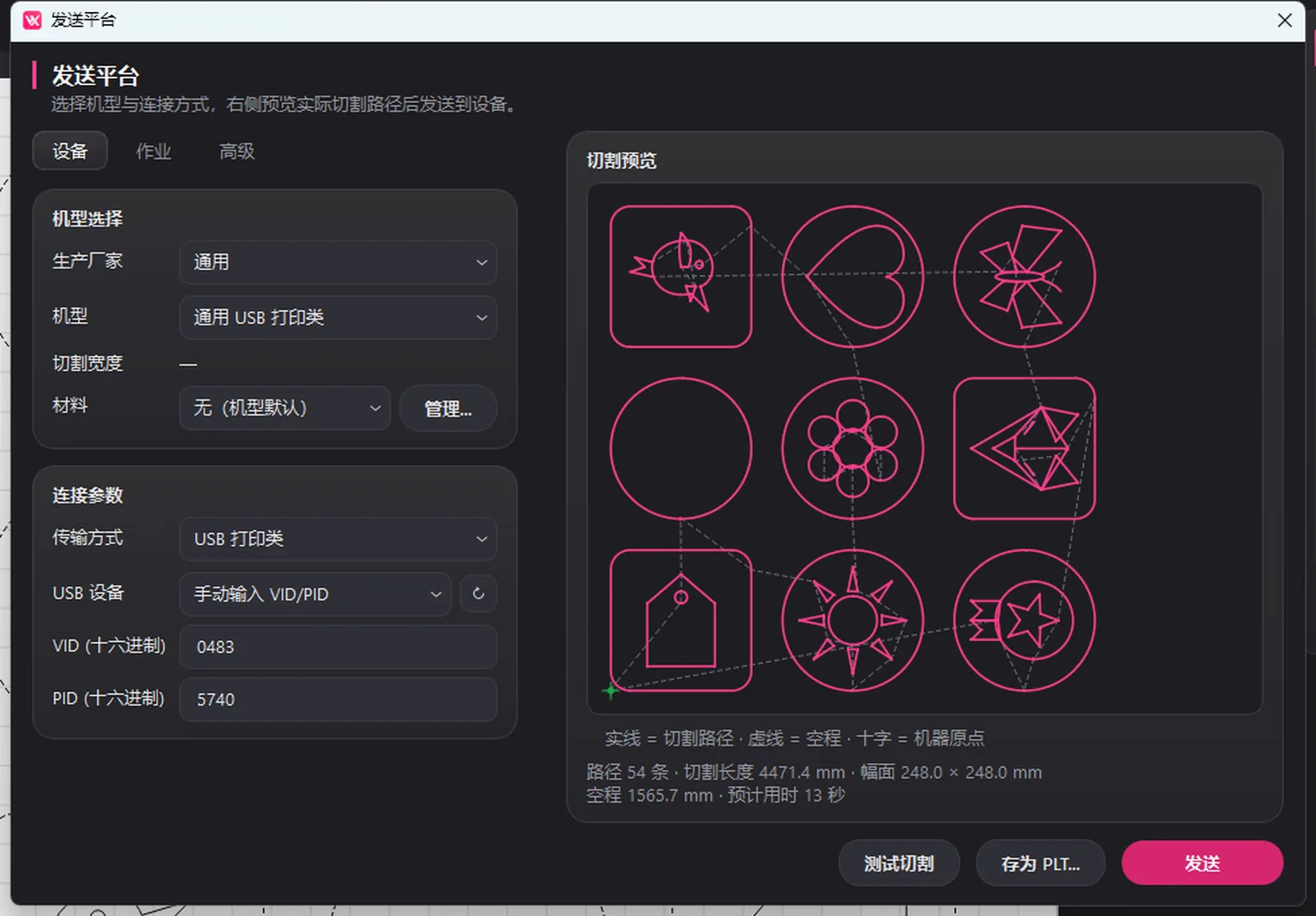
Object- and page-level circular and L-shaped registration marks, with adjustable vertical segments, support device alignment.
Page filling, evenly divided cutting grids, and other production layout tools that eliminate manual placement.
Complete path, text, and shape editing with multi-tab documents. Open the app and start designing.
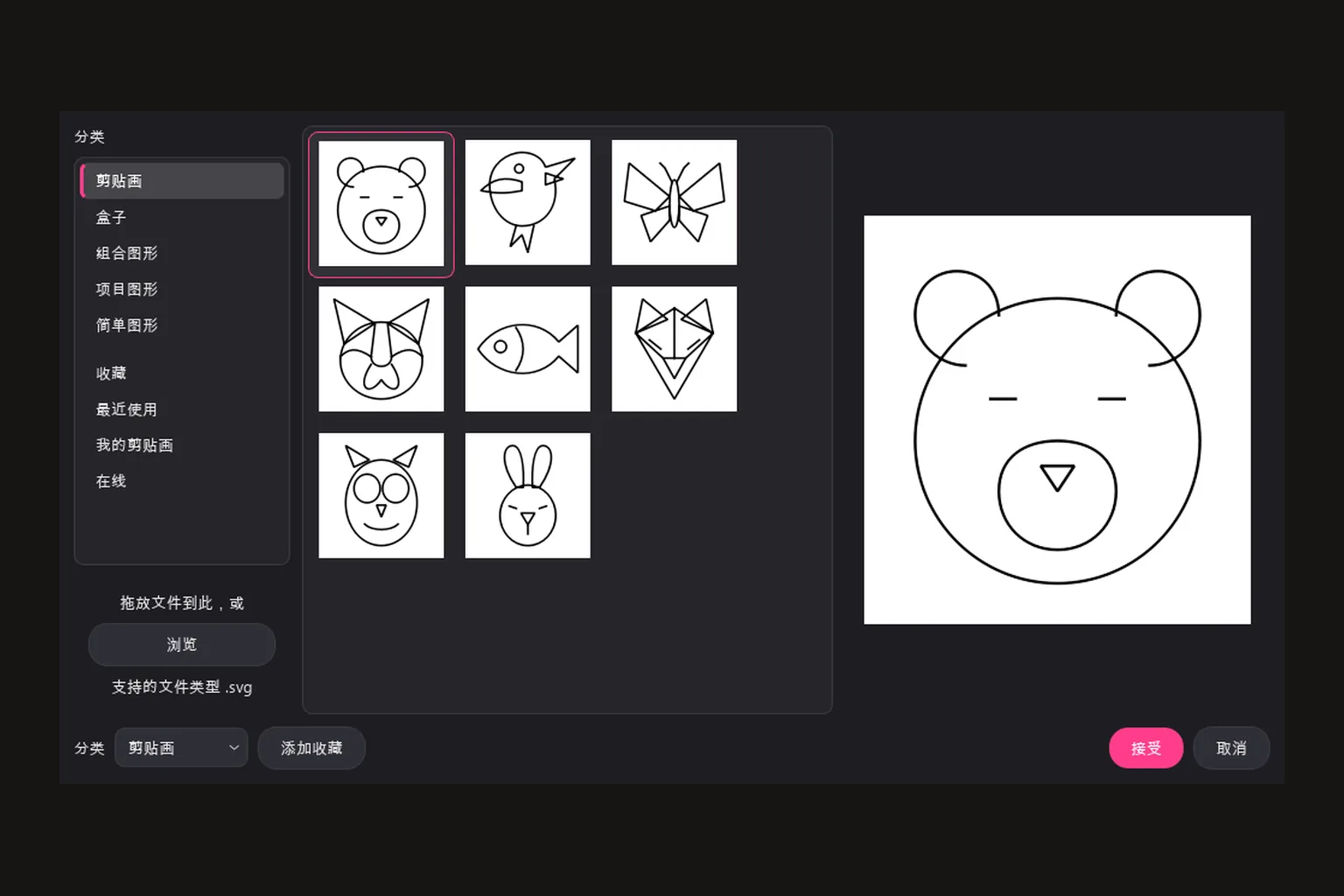
Built-in categorized clipart with a growing cloud library. Drag it into the canvas to edit and cut.
Use WX Studio Desktop on its own or its plugins in CorelDRAW and Illustrator. They share a license; available features depend on its entitlements. Use WX Studio App on phones and tablets.
The complete design & cutting app. No other software required, ready out of the box.
A docked panel that blends into your CorelDRAW workspace and keeps your habits, supporting X7 through 2024.
Natively integrated with Adobe Illustrator. Generate contours and cutting output right in your workspace.
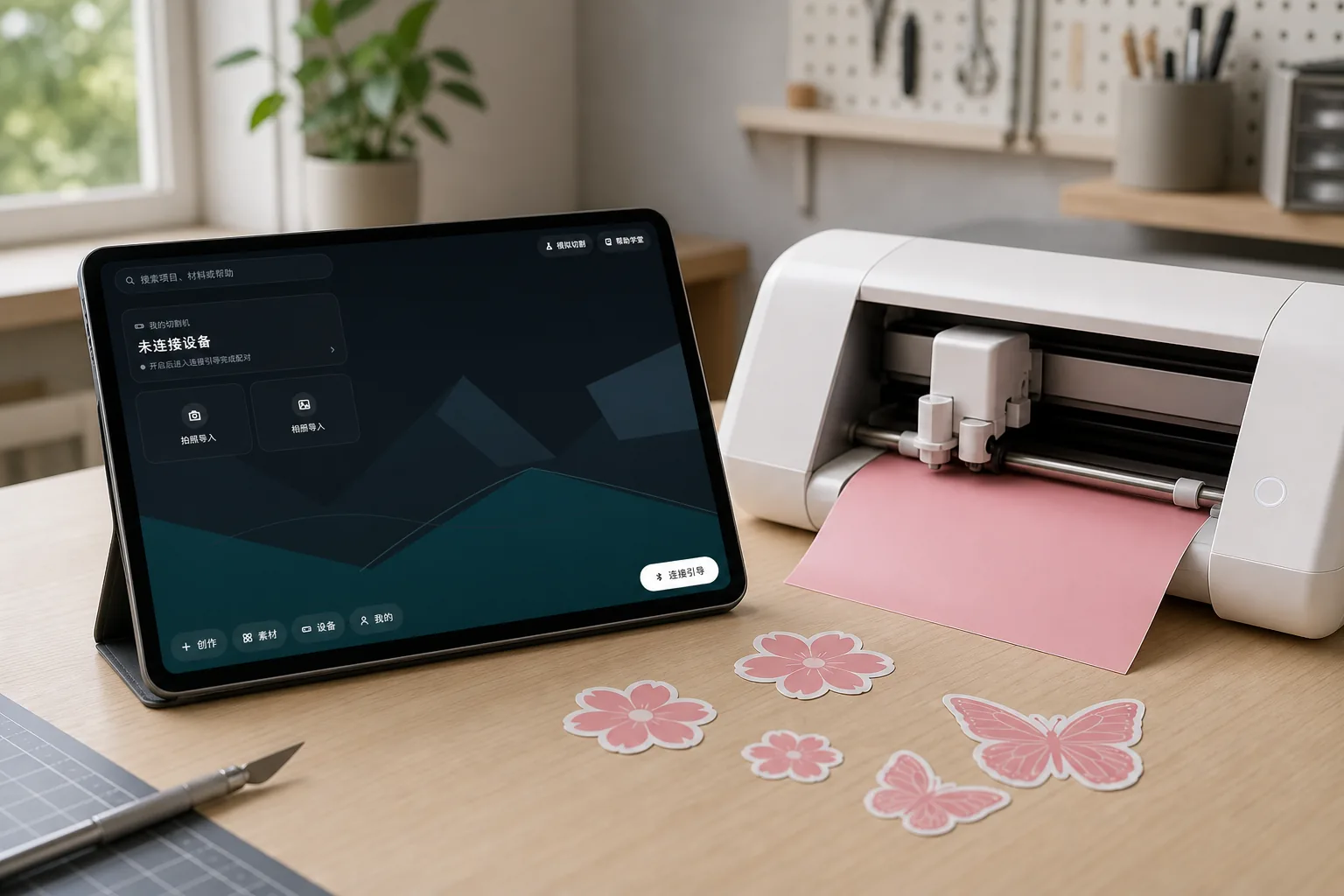
Canvas design, photo tracing and freehand drawing with Bluetooth cutting. A cutting studio in your pocket.
Pick WX Studio Desktop and the CorelDRAW and Illustrator plugins during setup. On a phone or tablet? Head to the App page.